Image-to-Video: Using a First Frame to Pin the Shot
HappyHorse I2V tops the Artificial Analysis leaderboard at 1392 Elo. The reason is how well it holds the first frame's identity across a 5-second clip. Here is how to feed it a frame and get a usable shot.
HappyHorse 1.0 sits at 1392 Elo on the Artificial Analysis Image-to-Video leaderboard, ahead of its own T2V score of 1333 and clear of the other top models. I2V is where the shared middle layers pay off most. You hand the model a single 1080p frame, and the 32 shared layers treat the image tokens as a spatial prior that the text prompt conditions on rather than competes with.
For a multi-shot edit, that stability is the whole point. You generate clip one, freeze the last frame, and feed that frame to clip two. Identity holds. Wardrobe holds. Lighting holds. Three clips stitched this way feel like one continuous scene, not three independent generations.
What goes into the first frame
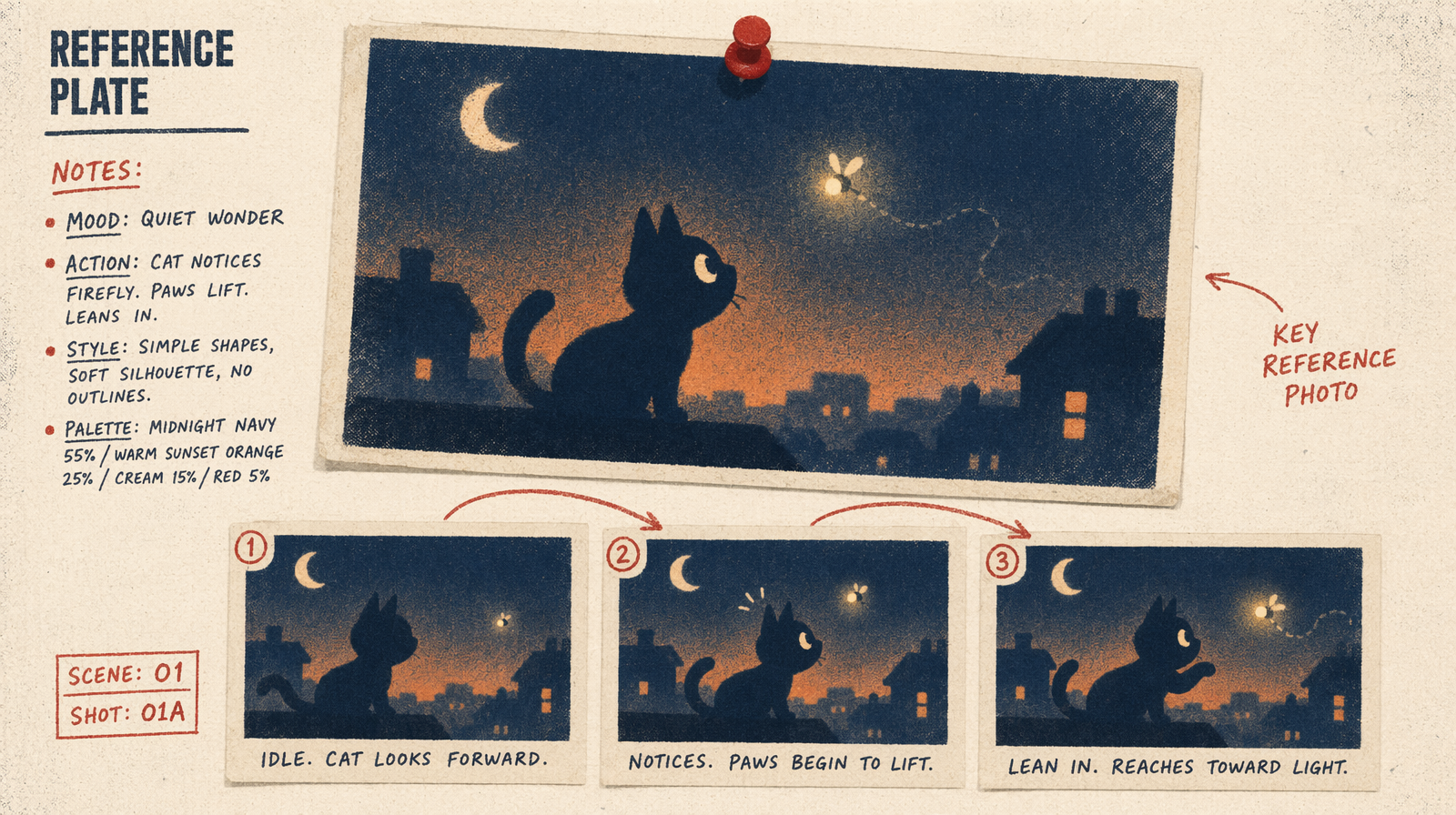
The first frame does most of the work.
- Composition. Decide where the subject sits. Thirds or dead center both work. Whatever you pick, the clip inherits it for 5 seconds.
- Resolution. Feed a 1080p frame. Downsampled frames force the model to hallucinate detail and you see it in the first second of motion.
- Lighting direction. Shadows in the frame tell the model where the key light is. The clip holds that direction.
- Focus. Where the frame is sharp is where the clip stays sharp. If the background is in focus, do not expect a focus pull without an explicit prompt beat.
The prompt that goes with the frame
The text prompt for I2V is shorter than T2V. The frame carries subject, location, and lighting. Your prompt carries the motion. Three to eight words is the right length.
Examples that land:
- camera dollies in slowly, subject tilts head right
- wind lifts hair, subject looks up
- rain begins, subject steps forward
- camera orbits right, subject turns to follow
Longer prompts pull the model away from the frame. Around fifteen words, you start to see identity drift in the second half of the clip because text conditioning fights image conditioning for the shared attention budget.
A working example
You upload a frame, pass its URL, and add a short motion prompt. While the HappyHorse I2V endpoint is pending on fal.ai, the fallback uses the same argument shape.
1import { fal } from "@fal-ai/client";23// or fal-ai/happyhorse/v1/image-to-video once available4const result = await fal.subscribe("fal-ai/seedance-2.0/text-to-video", {5 input: {6 prompt: "camera dollies in slowly, subject tilts head right",7 image_url: "https://your-cdn.example/first-frame.jpg",8 duration: 5,9 resolution: "1080p",10 seed: 101,11 },12 logs: true,13});1415console.log(result.data.video.url);
Pricing on the fallback matches T2V: roughly $0.07 for a 5-second 720p clip on Seedance 2.0, $0.70 for 5 seconds at 1080p on Kling v3 Pro, or $2.00 for 5 seconds on Veo 3.1. HappyHorse I2V pricing is not announced; expected to land in the top video band.
Multi-shot stitching
The workflow for a three-shot scene:
- Generate shot one from text. Pick the seed you like.
- Extract the last frame of shot one at full resolution.
- Feed that frame as the first frame of shot two. Write a short motion prompt.
- Repeat for shot three using the last frame of shot two.
You can do this today on any I2V endpoint. The reason to wait for HappyHorse is that identity preservation is measurably better. At 1392 Elo, the model holds subject identity past where Seedance 2.0 and Veo 3.1 drift. In practice, you get three clean stitched clips in two or three tries. On the weaker models you are closer to five or six tries per stitch.
When to use I2V over T2V
Use I2V when you already know what the subject looks like. A product shot where the product is fixed. A character who must match previous shots. A location you photographed. Anywhere identity matters more than variation.
Use T2V when you want the model to surprise you on the subject's appearance. Concept exploration, mood boards, and early storyboarding all work better from text because the model is free to pick the visual identity that matches the prompt best.
The shorter list
Feed a 1080p frame. Write three to eight words of motion. Hold the seed while you iterate the prompt. Extract the last frame for the next shot. That four-step loop is the whole multi-shot pipeline, and HappyHorse 1.0 is the model that makes it stable enough to ship.