Prompting HappyHorse: Shot Descriptions That Land
HappyHorse responds to a specific prompt grammar. Lead with the shot type, anchor the subject, describe motion in one verb per beat, and end with lighting. Here is the pattern that lands.
HappyHorse 1.0 rewards a specific kind of prompt. The model's 40-layer unified architecture shares 32 middle layers between text, audio, and video representations. That means it reads the whole sentence as one joint scene description instead of breaking it into independent concept tokens. You get better clips by writing like a director's slug line, not a photo caption.
The four-beat pattern
Write every HappyHorse prompt in four beats, in this order.
- Shot type. Wide, medium, close, over-the-shoulder, handheld tracking, locked-off.
- Subject anchor. Exactly what the subject is and where it is in the frame.
- Motion. One verb per beat, present tense, no more than three verbs in a 5-second clip.
- Lighting and mood. Named light source, time of day, and one adjective for color temperature.
A prompt that lands:
Medium tracking shot, a barista in a white apron slides a ceramic cup across a wooden counter, steam rising, morning sun slanting through a dusty cafe window, warm amber key light.
You can count the beats. Shot type (medium tracking), subject (barista in apron), location (wooden counter), motion (slides, steam rising), light (morning sun, amber key).
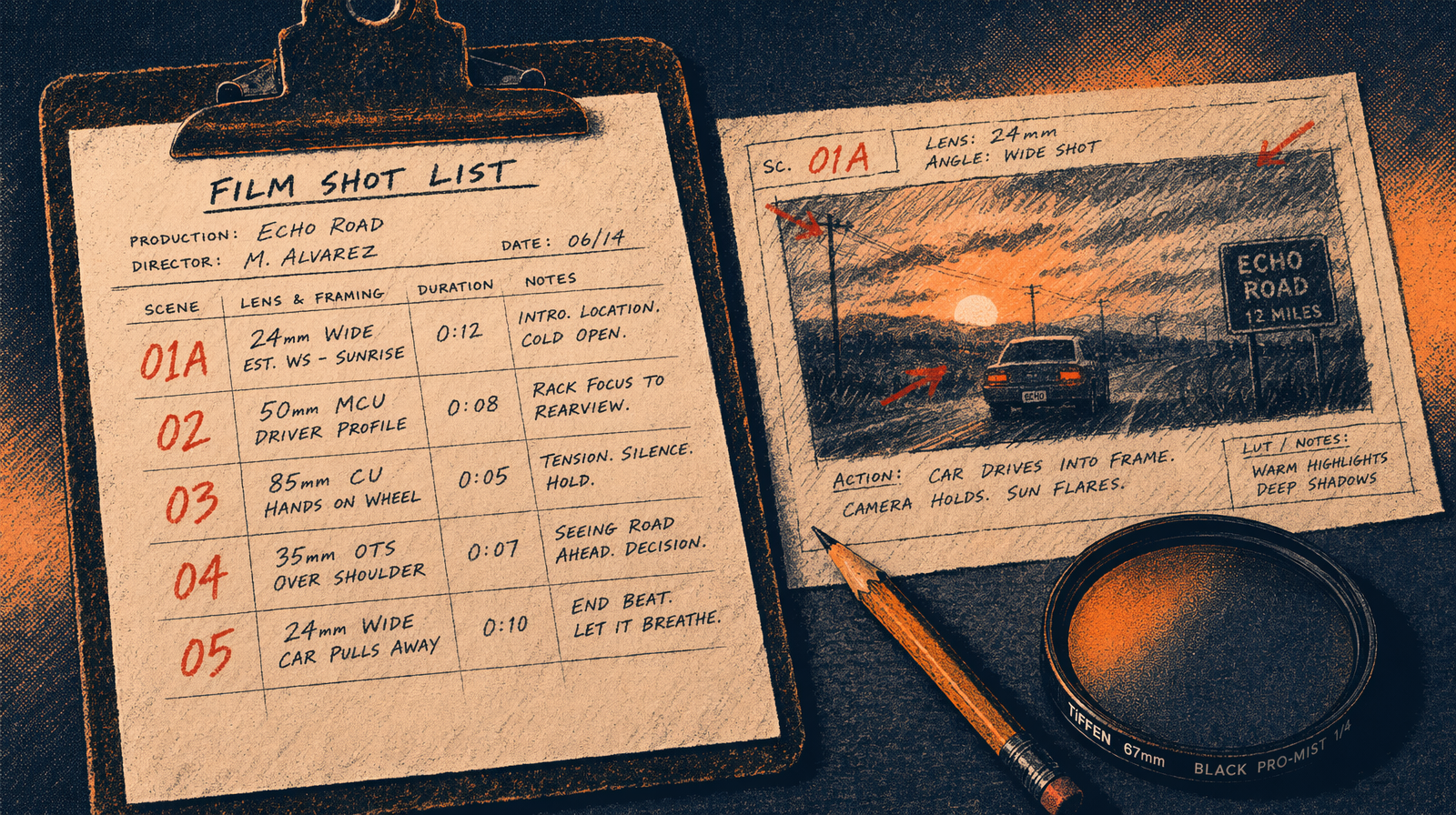
The three mistakes that tank your clips
Fix these before you burn credits.
Stacking adjectives on the subject. A stunning, beautiful, elegant, graceful dancer produces a worse clip than a dancer in a red dress. HappyHorse treats stacked adjectives as contradictory signals and averages them into a blurry identity. One descriptor per subject. At most two.
Describing the emotion instead of the shot. A sad goodbye scene gives you a random clip. A close shot of a woman's hand resting on a suitcase handle, rain on the window behind her, soft blue overcast light gives you the shot you wanted. Describe the pixels, not the feeling. Let the pixels carry the emotion.
Naming the film stock or camera in beat four. HappyHorse does not have strong training signal for shot-on-Alexa or 35mm Kodak 250D. It has signal for hard-edged shadows, soft directional light, overcast diffused daylight, and neon color cast. Use the light description instead of the gear description.
Motion verbs that work
Keep a short list. These land reliably at 5-second duration.
- walks, steps, turns, kneels, reaches, lifts, slides, pours, rises, falls, tilts, pans, dollies, orbits, drifts
These are single-clause motions that resolve in under two seconds. Compound motions (walks, then stops, then turns, then waves) compress into a smeared average because the shared middle layers try to blend the beats into one attention pattern. If you need multiple beats, split into two clips and stitch.
Running your first structured prompt
You test the pattern on a production endpoint. Today that means Seedance 2.0 or Kling v3 Pro while the HappyHorse fal.ai listing is pending. The same grammar transfers.
1import { fal } from "@fal-ai/client";23// or fal-ai/happyhorse/v1/text-to-video once available4const result = await fal.subscribe("fal-ai/seedance-2.0/text-to-video", {5 input: {6 prompt: "Medium tracking shot, a barista in a white apron slides a ceramic cup across a wooden counter, steam rising, morning sun slanting through a dusty cafe window, warm amber key light.",7 duration: 5,8 resolution: "1080p",9 seed: 7,10 },11 logs: true,12});1314console.log(result.data.video.url);
A 5-second 1080p clip on Seedance 2.0 runs about $0.07 at current per-unit pricing. Same prompt on Kling v3 Pro costs $0.70 at $0.14 per second. On Veo 3.1 it is $2.00. Budget accordingly.
Iteration hygiene
Fix the seed while you iterate on wording. Change one beat at a time. If you change shot type and lighting on the same pass, you have no signal about which change helped. Track prompt and seed together in a simple JSON log. When you hit a clip you like, save prompt, seed, and resolution as a preset.
The pattern in one line
Shot, subject, motion, light. Four beats. One verb per two seconds. One descriptor per subject. Name the light, not the camera. That is the whole prompt grammar.